Documentation
Getting started
Screener and Watchlist
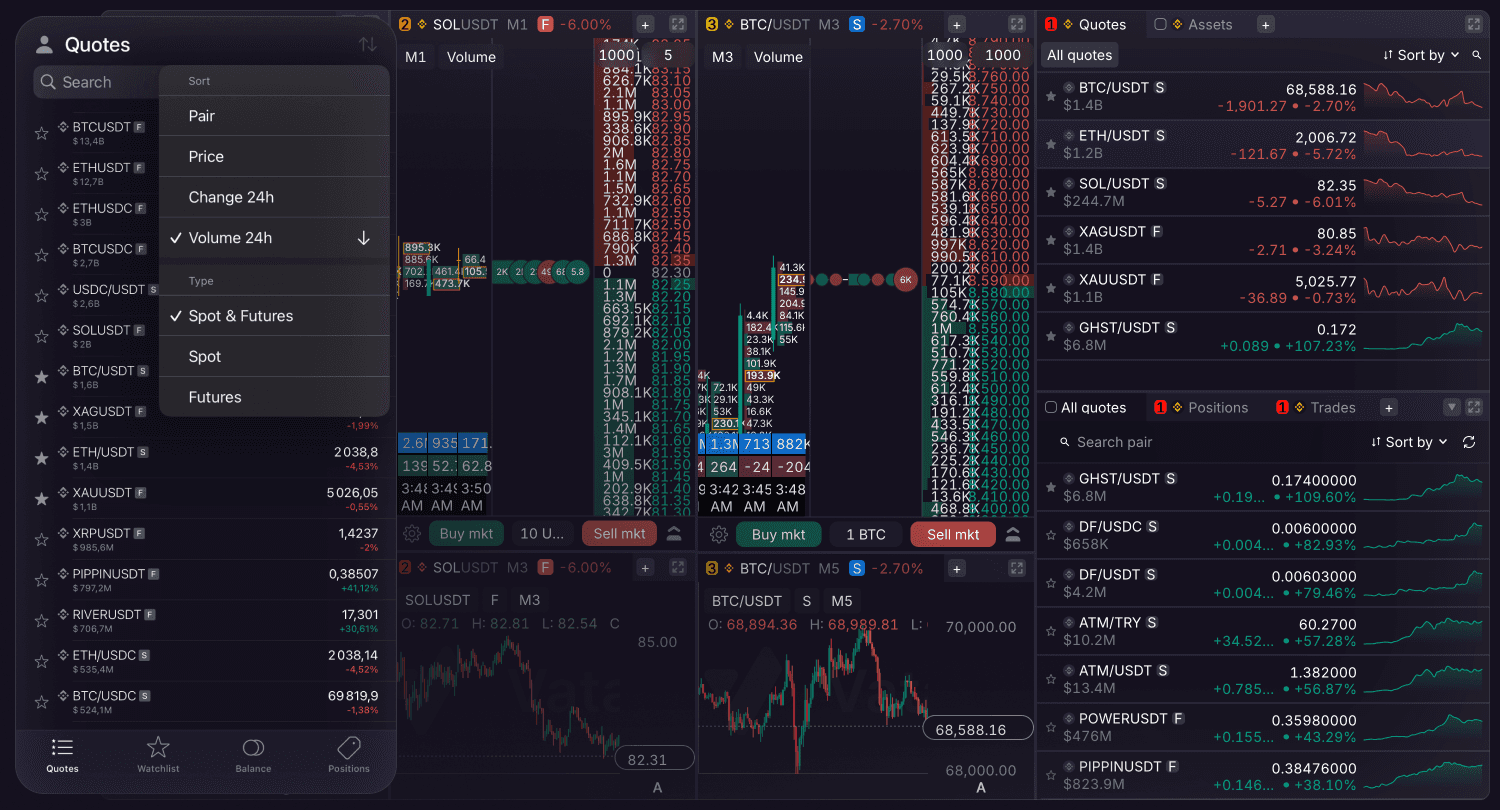
For effective monitoring of trading pairs, the terminal offers two main screens — Screener and Watchlist.
Screener
This is the main screen for global market monitoring. It provides a comprehensive overview of available exchange pairs along with their current pricing and 24-hour performance. Use it to sort quotes by preferred parameters. Search results also display the market type and trading volume. Tapping a symbol in the Screener tab opens the pair.
Watchlist
A personalized section containing your saved pairs. Use this to add specific quotes.
Editing: To modify the sequence of your saved pairs, long-press a ticker. This action opens a context menu and enables the drag-and-drop option.
Navigation: Tapping a ticker in your watchlist opens the synchronized trading interface containing the DOM, Chart and Orders tabs.
Screener Filters
To help you find trading opportunities faster, the Screener now features advanced quotes filters. You can filter pairs based on the following parameters:
• Price
• % Price Change (24h)
• Trade Volume ($, 24h)
For each parameter, you can apply specific sorting conditions: above (>x), below (<x), between (x<, <y), or outside (>x, <y).
Your preferred sorting direction on the Screener is now automatically saved and will persist after relaunching the app.