Documentation
Getting started
Create an account
Create a Skalpy account
In order to create a Skalpy account, use the registration form in app.skalpy.com or in the mobile app on iOS/Android.
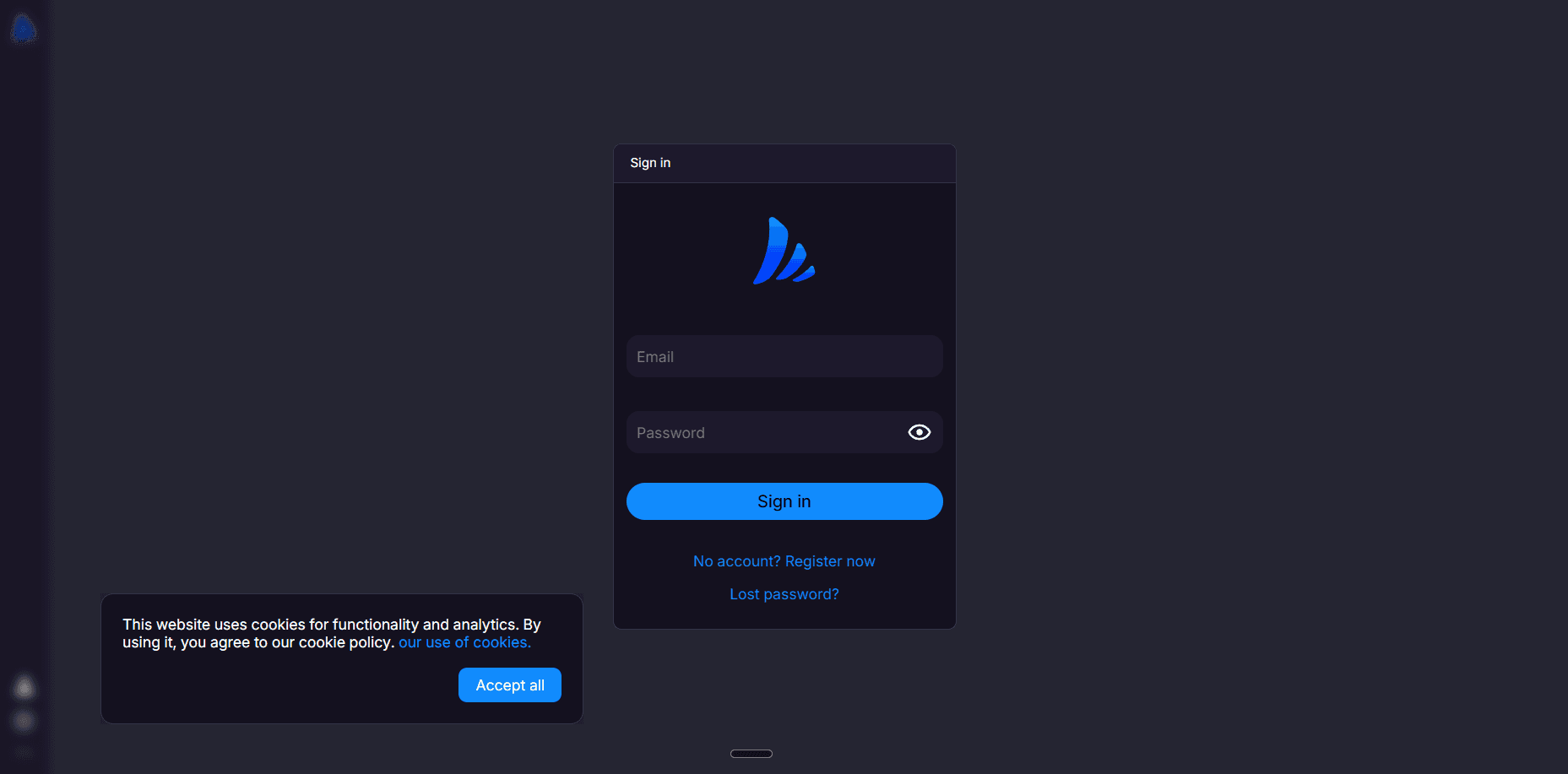
Enter your current email address and password in the form, make sure that it meets the requirements and that you have access to the mail.
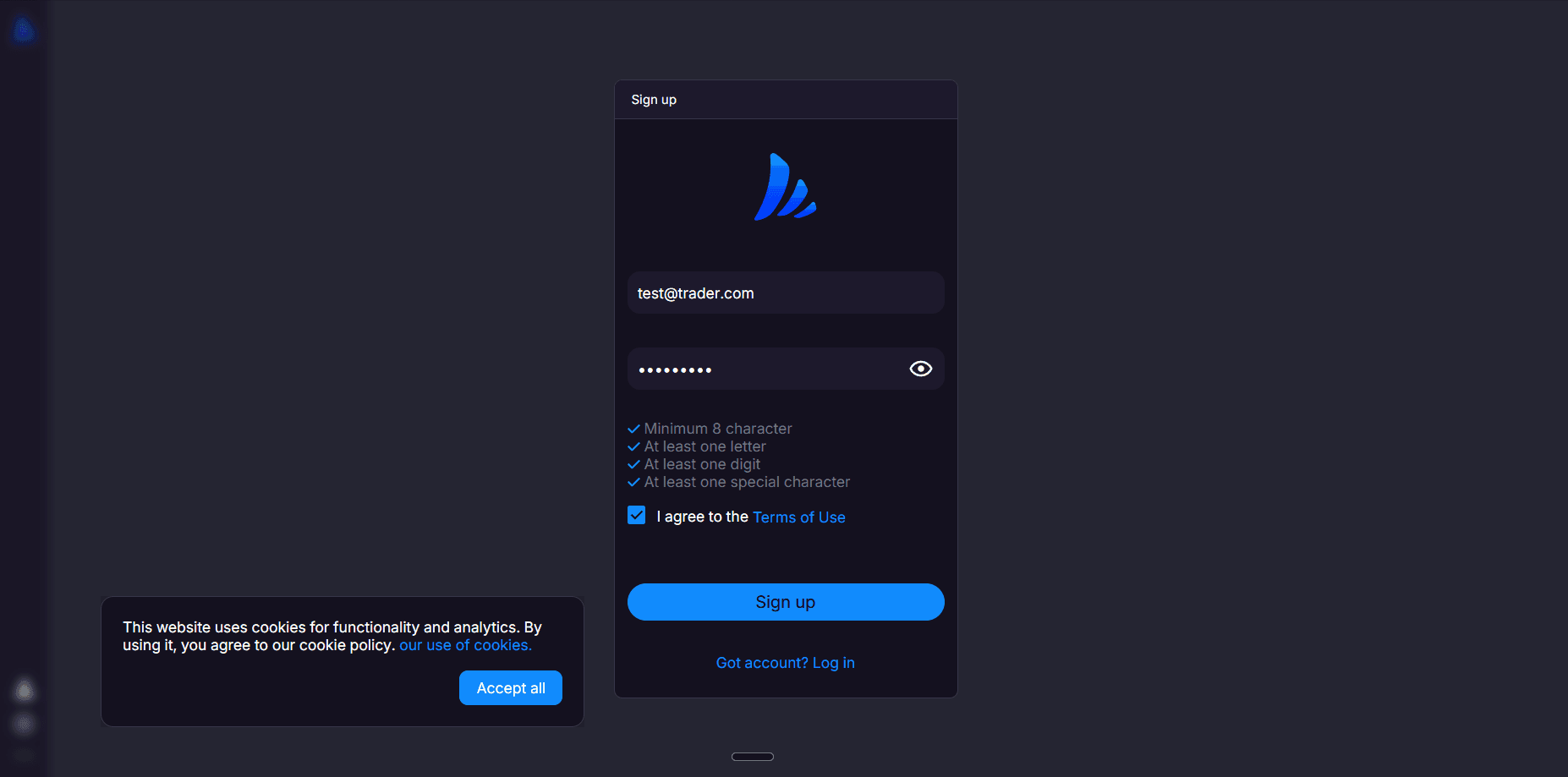
Then confirm your email.
How to delete account in Skalpy
Steps to delete your account
Open the Skalpy app or web terminal.
Go to Account Settings.
Select your Account.
Select Delete Account.
Confirm the deletion request.
What happens after deletion
Your Skalpy account will be permanently deleted.
All personal account data and trading-related data associated with the account will be removed from our systems.
Deleted accounts cannot be restored.
Skalpy does not retain your account data after deletion.