Documentation
Getting started
How to link Vataga Binance
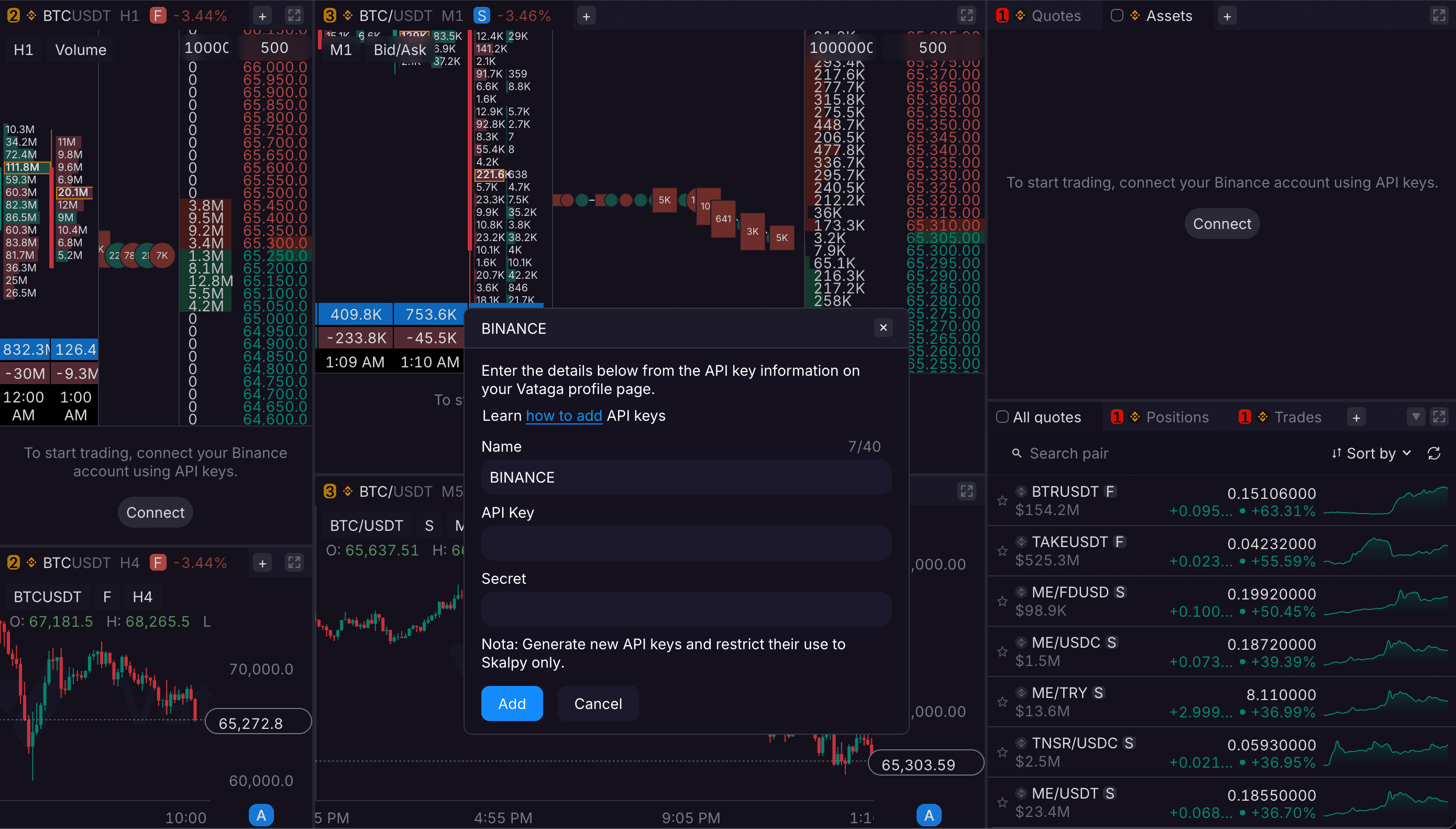
To use the Skalpy terminal, you need to add Binance Link API keys, which are available to verified Vataga Crypto users.
Log in to your profile on the Vataga website.
Navigate to Profile → API Keys.
Click "Create API Key" and enter a label.
In the API settings, enable all permissions for "Read and Trade."
Set the IP access to "Unrestricted access from any IP address."
Confirm the action using your Email code and 2FA.
Save your API keys securely.
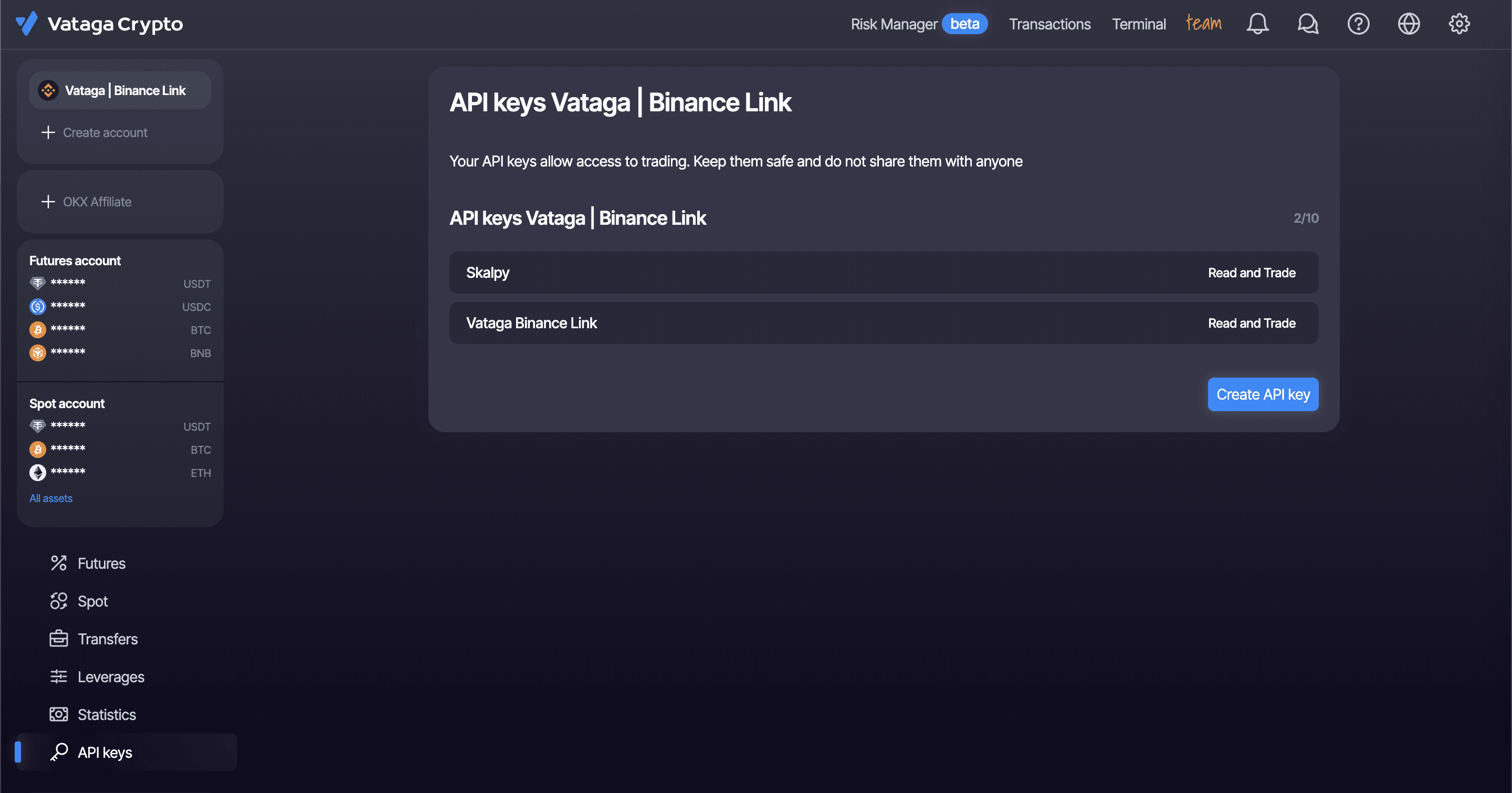
After the API keys have been created:
Log in to your Skalpy account.
Navigate to the 'Balance' tab and add your API keys.