Documentation
Getting started
Security
Quotes and Watchlist
For effective monitoring of trading pairs, the terminal offers two main screens — Quotes and Watchlist.
Quotes
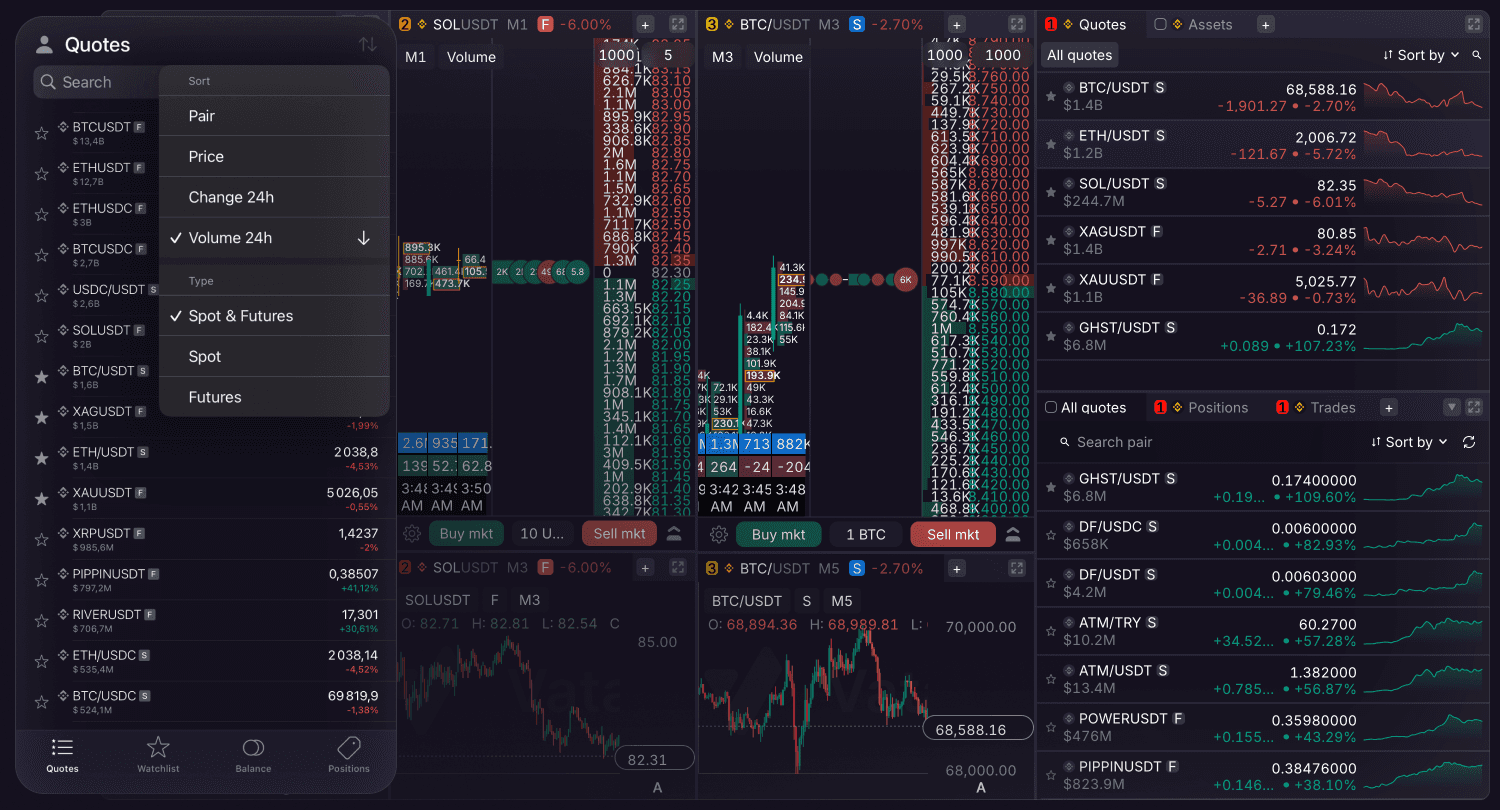
This is the main screen for global market monitoring. It provides a comprehensive overview of available exchange pairs along with their current pricing and 24-hour performance. Use it to sort quotes by preferred parameters. Search results also display the market type and trading volume. Tapping a symbol in the Quotes tab opens the pair.
Watchlist
A personalized section containing your saved pairs. Use this to add specific quotes.
Editing: To modify the sequence of your saved pairs, long-press a ticker. This action opens a context menu and enables the drag-and-drop option.
Navigation: Tapping a ticker in your watchlist opens the synchronized trading interface containing the DOM and Chart tabs.